MissionPlanner does not display properly in Linux Mint 21.1

I tried the command export MONO_MWF_SCALING=disable
it fixed the scaling for the full list of parameters page. (see below)
but the status page still off…
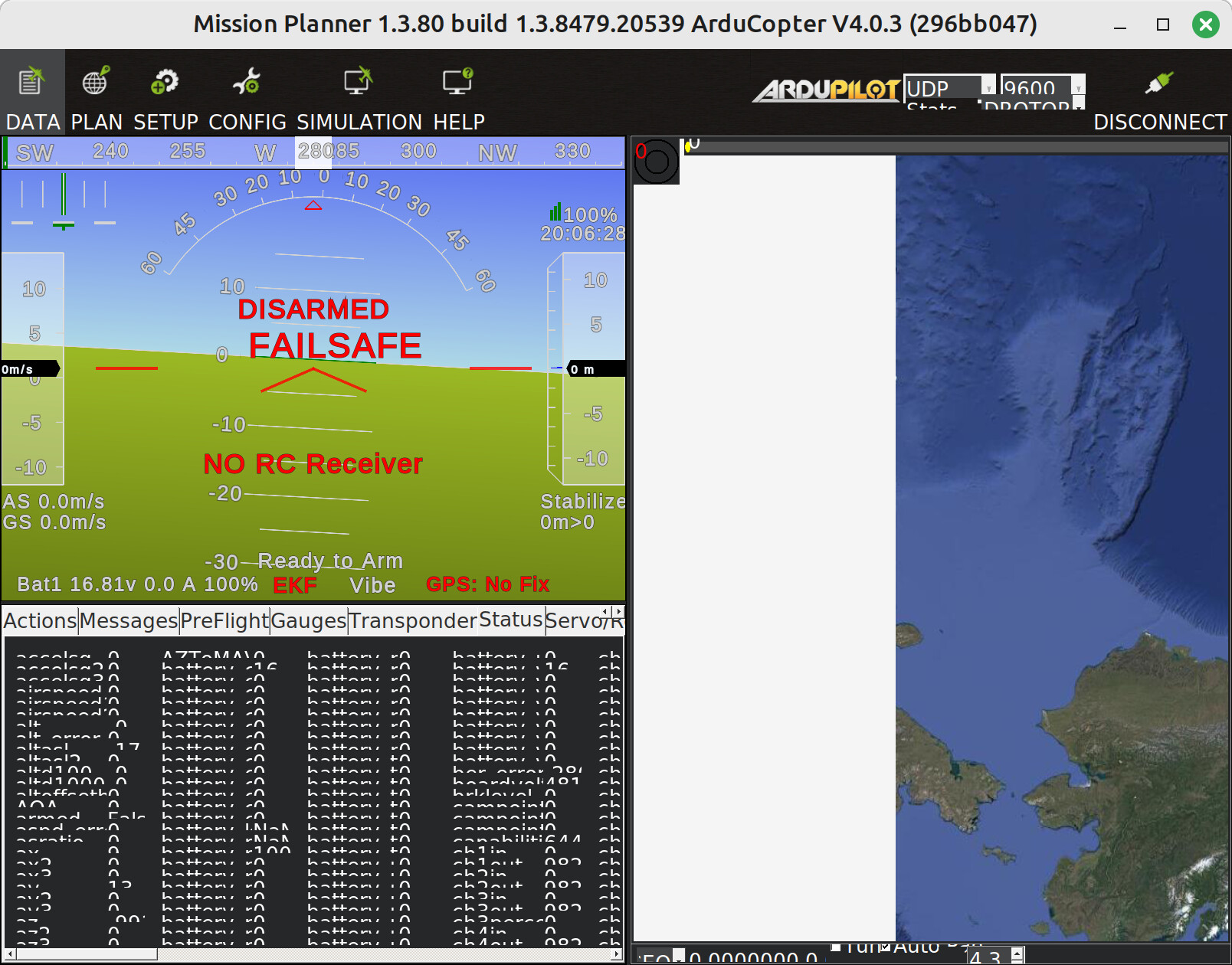
Hi, I am very new to all this but can report that MissionPlanner works just fine, as far as I can tell, on Linux Mint 21.2 under mono. I am able to connect via WiFi to my SpeedyBee 405 Wing App and it is just so much better than trying to use W10 in virtual box. The only odd thing is that quick view is always blank and the splash page has a hole:
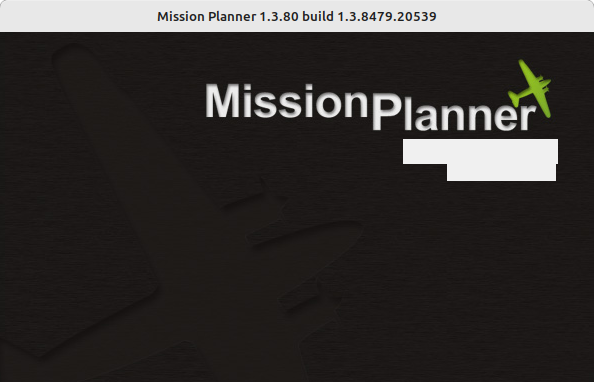
MissionPlanner

I’m continuing this topic here because I’m currently trying to get Mission Planner to run under Linux Mint 22.2, i.e. the current version.

Basically it works right away with Mono, but I miss the menu item to set OSD parameters and outfit (Config / Onboard OSD)

Maybe @Michael_Oborne has a tip for this.

1 Like

I second your advice. We typically only use Linux Mint but with the advent of BackPack MAVLINK I wanted something to take to the field. I bought a W11 Laptop for £169 from Amazon that has an Intel N100 CPU. It runs Mission Planner faultlessly and for WiFi firmware updates it connects to everything. The only other software loaded is NoMachine to access our various Linux boxes.

I cannot and will not buy and maintain a windows laptop for the sole purpose of Mission Planner. That is absolutely insane in this year. Some level of linux compatibility, at least under Wine, Mono or most recently Proton, is a bare minimum expected requirement of any app in development this decade that is not an extremely graphics-intensive or DRM protected program such as commercial CAD or AAA game. And even then, some manage to make it work perfectly. If Ardupilot cannot be realistically used without Mission Planner, that should be on the label.

There is “some level of Linux compatibility” with Mission Planner. This entire topic is quite literally devoted to that.

No one said you had to buy another laptop. I offered that it may be easier in the long run if you wish to use Mission Planner to its fullest capability. That remains factual, as it is developed under the .NET framework.

There are alternatives. See QGroundcontrol and APM Planner.

Although it requires a bit of technical expertise in Linux, I would recommend using Winboat App in Linux. It allows Windows to run virtually within Linux using a Docker Image, more to the point it will allow the user to run Windows programs like Mission Planner without any compatibility issues. Just my two cents.

The problem is that 99% of the online resources and tutorials (ie, how to use it at all) are centered around Mission Planner.
APM is so behind and lacking in development, features and maintenance that it’s not an option.
The problem is not to have telemetry and a map and waypoints; that is the easy part. What’s lacking is the setup and configuration code that has been built up and that ardupilot has been built around; which is the “fullest capability” missing here. There are some things which are vital to ardupilot that are only found on MP, namely the analysis and tuning aids.
I am begging on my hands and knees that the developers start looking at the start of a “Mission Planner 2” based on more modern frameworks, not necessarily the “web app bloated framework” junk we see everywhere, but something more amenable to cross-platform use.