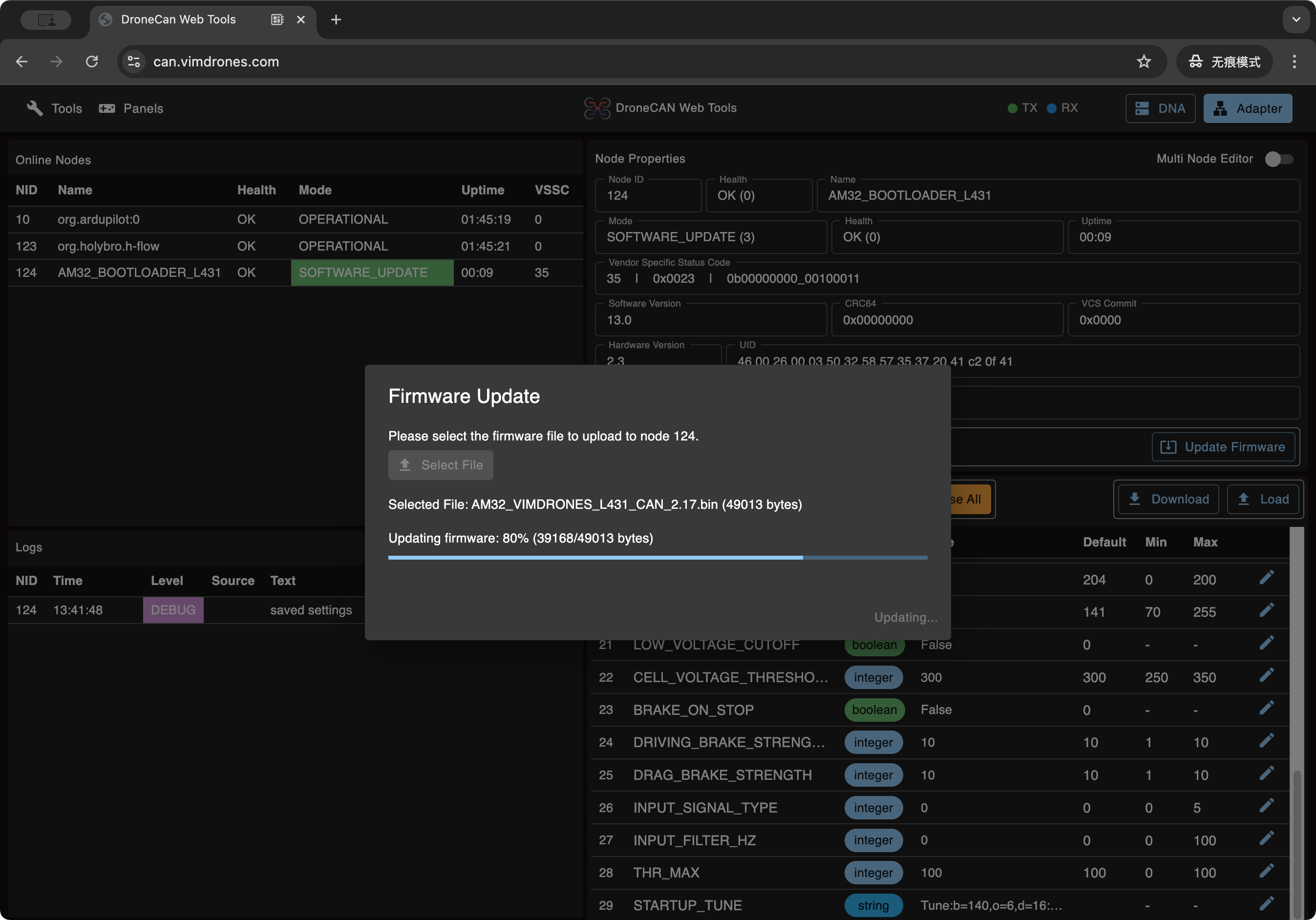
I recently create this DroneCAN GUI Web Tool
Hosting on https://can.vimdrones.com
with this tool you can edit param and upgrade your AP_Periph Device and AM32 DroneCAN ESC,
other DroneCAN device may also work but need testing
you can also monitor dronecan messages on the bus network, doing ESC/ Actuator(Servo) control
now the interface is base on USB/Serial and websocket with MAVCAN
ie. create a websocket output using mavproxy, change usb/serial interface to your case
mavproxy.py --master /dev/tty.usbmodem111401,115200 --out wsserver:127.0.0.1:5555
quick trying this tools using ardpilot SITL
./Tools/autotest/sim_vehicle.py -v ArduPlane --can-peripherals --out wsserver:127.0.0.1:5555
dronecan javascript binding output generator project is now host on GitHub - dronecan/dronecan_dsdljs