I did follow the directions of adding the export command to the end .bashrc file, but it wasn’t taking. I have just accustomed myself to running the export command every time I want to run the simulator. The extra step outweighs the extra hassle.
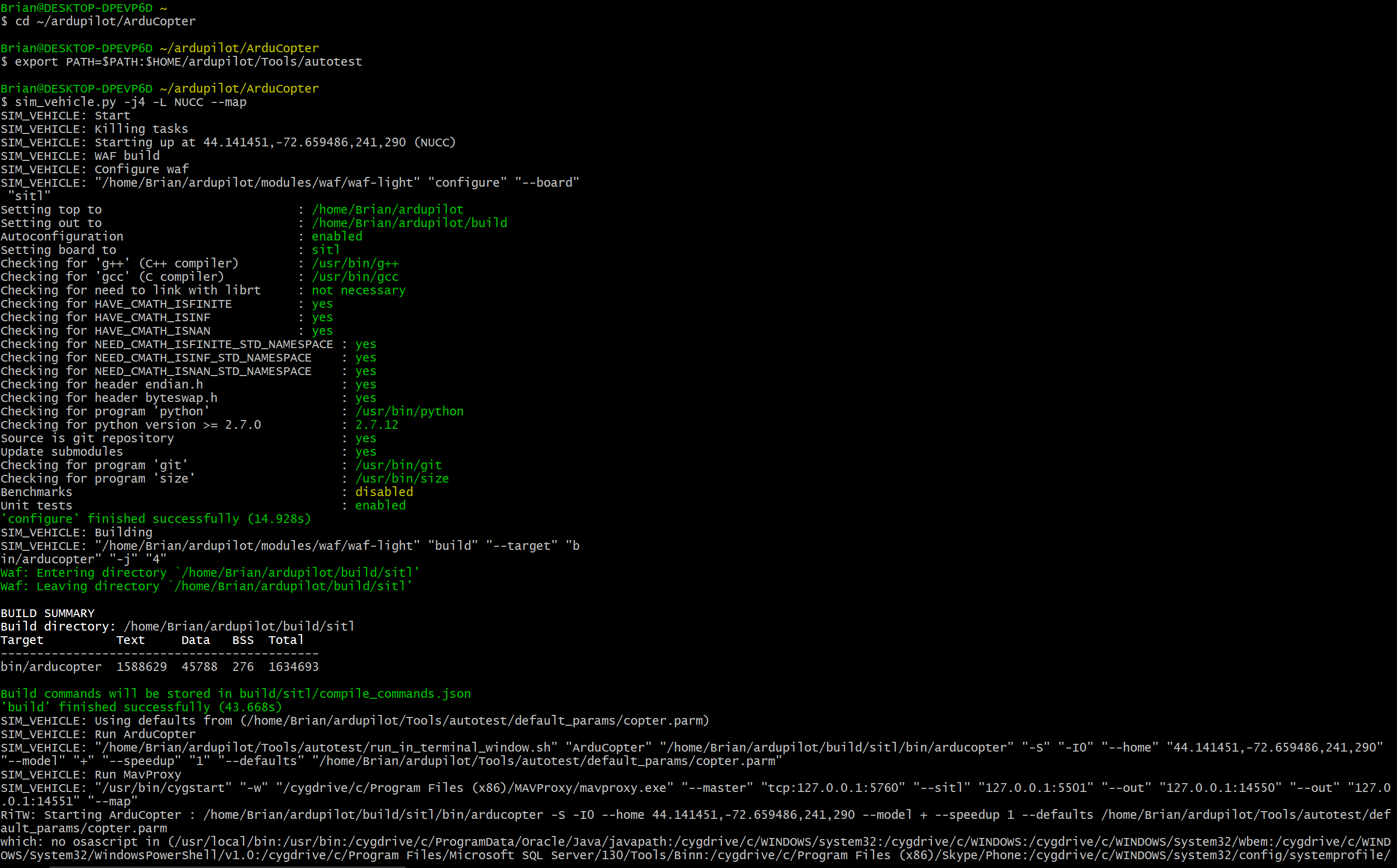
Steps to starting the simulation: (Windows)
1.) Open Cygwin
2.) cd ~/ardupilot/ArduCopter
3.) export PATH=$PATH:$HOME/ardupilot/Tools/autotest
4.) sim_vehicle.py -j4 -L NUCC --map
5.) Open a new Cygwin terminal
6.) cd ~/dronekit-python/examples/simple_goto
7.) python simple_goto.py --connect 127.0.0.1:14550
and it works perfectly now. Next task for me is to get 3 drones running. If you have any expertise in that, it would be much appreciated.