If that doesnt help you can do this:
- Go to ArduPilot firmware : /Copter/stable , open your board’s folder (the same board name as in my screenshot) and download arducopter.apj, the one WITHOUT “heli” in the name or path.
- In ArduDeck’s firmware screen, flash it as a local file.
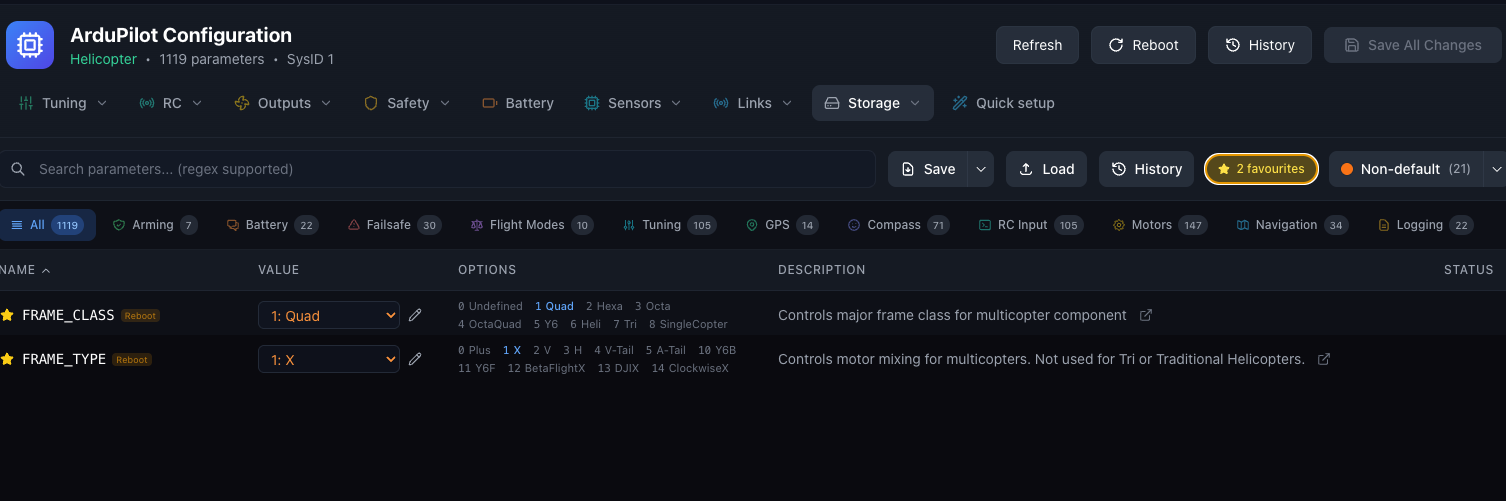
- Reset all parameters: search FORMAT_VERSION, set it to 0, Save All Changes, then unplug and replug USB. This clears the heli defaults; you’ll redo the accelerometer, compass and radio calibrations afterwards.
- Set FRAME_CLASS = 1 and FRAME_TYPE = 1, save, reboot. The header should now say Quadrotor.
I will make this process seamless for the next release.
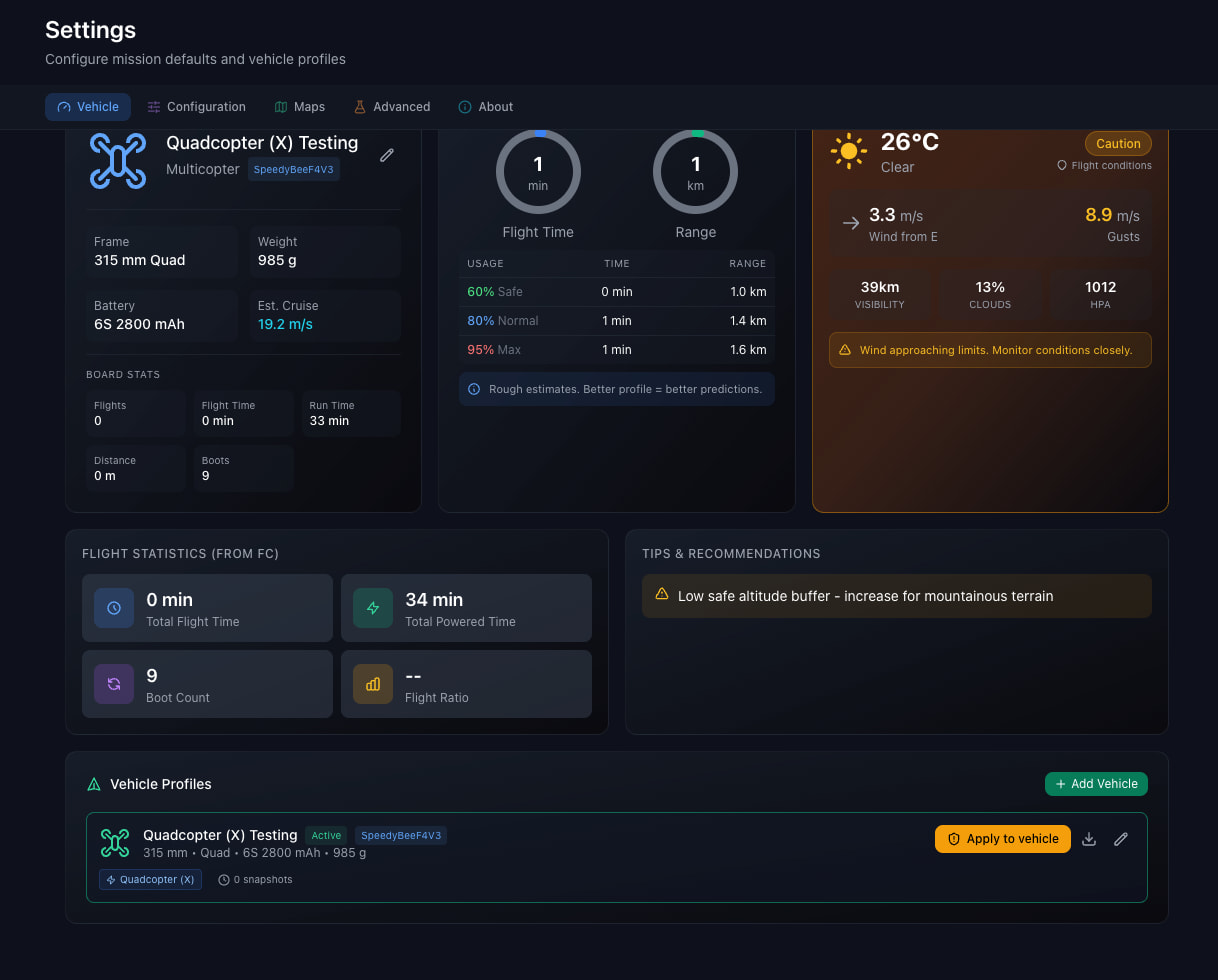
 Prototypes - they like to get in to trees , houses and ground