Andruav 14 — a new look, a rebuilt core, and your phone as a companion computer
Hi everyone,
If you haven’t looked at Andruav for a while, it’s worth another look. I have rebuilt the Android app from the inside out and giving it a completely new face.
What’s new
1. A completely new look
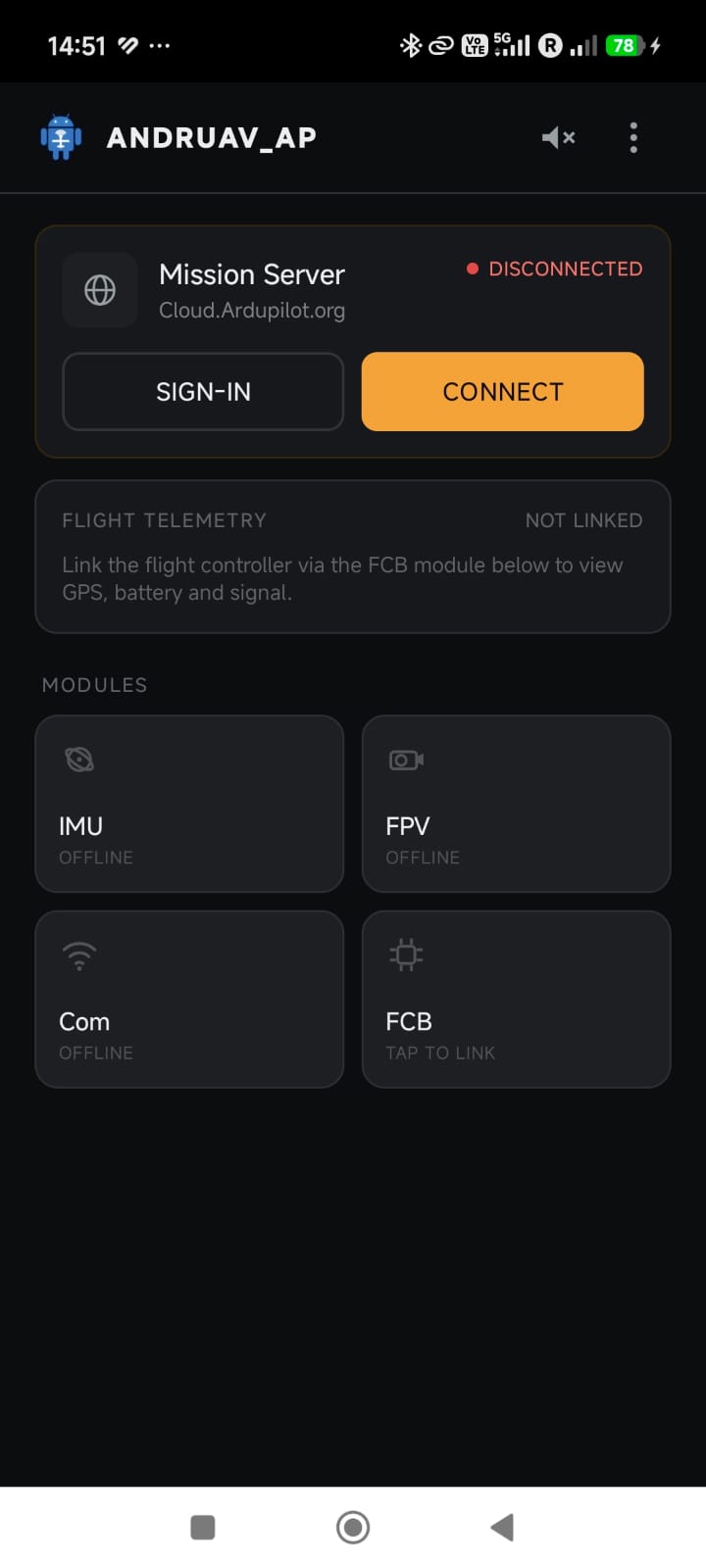
A dark, high-contrast “tactical” Home screen with amber accents, designed to be readable in sunlight and at 5 a.m. at the field.
- Mission Server card — are you connected to the cloud, and to which server?
- Flight Telemetry card — the live numbers at a glance, including the phone’s signal strength.
- Big module tiles — Com, FCB, IMU, and more, one tap each, with status indicators.
- Bottom-sheet settings — connecting to your flight controller or server no longer throws you into a separate screen. Tap a tile, fill in the sheet, swipe it away.
2. Connect in seconds
- Scan a QR code from the WebClient team-admin page and the app fills in your account, access code and server in one go.
- Email + access code login through the real authentication flow.
- Bring your own server — point the app at a local/self-hosted Andruav server instead of the cloud (the app shows a clear “custom” marker so you always know).
3. A link that stays up — the “link guardian”
A dedicated background service now owns the connection. It reconnects when the network drops, shows a single status notification, and can bring the link back after the app is killed or the phone reboots. Lock the screen, press the power button — the telemetry keeps flowing.
4. Phone as a sensor: GPS injection + NTRIP RTK
- GPS injection — the phone’s GNSS is sent to ArduPilot as
GPS_INPUT. SetGPS1_TYPE = 14(MAV) and the phone is your GPS, or a second GPS beside your main one. The Drone Settings page even checks your FC’sGPS_TYPEand warns you if the stream would be ignored. - NTRIP client — pull RTCM3 corrections from your caster (VRS/GGA supported) and forward them to the FC’s GPS for RTK-level accuracy.
- Smart battery use — the phone’s own GPS/IMU switch off automatically when the flight controller already has good position data.
5. FPV that survives real life
Video now streams from a service rather than an activity, so screen-off and the power button no longer kill your feed. Picture-in-Picture is supported, and a remote “start streaming” works even when the app is in the background.
6. Under the hood
- MAVLink library regenerated from the latest upstream definitions.
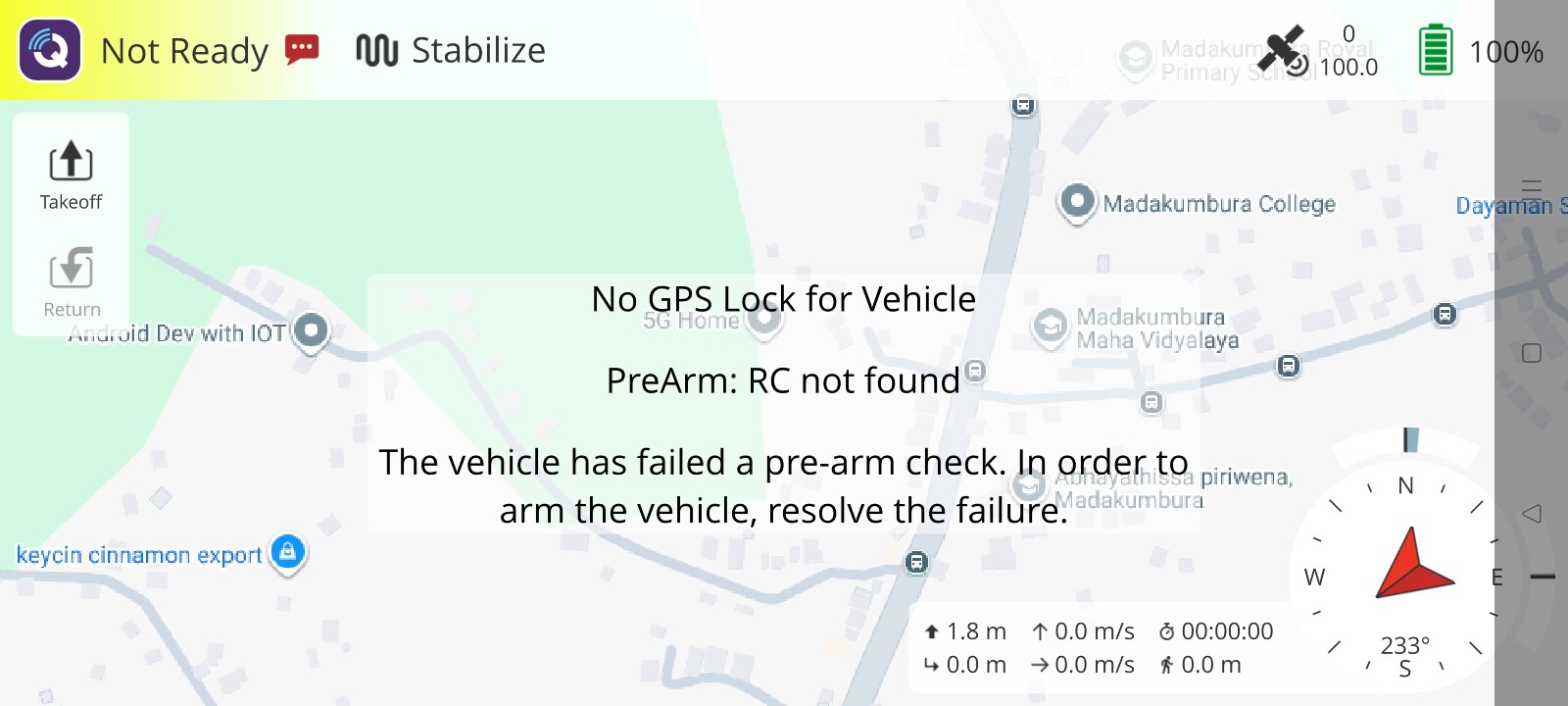
- Many protocol fixes for modern ArduPilot (waypoints, guided-mode setpoints, arm-readiness reporting, command ACK handling).
- Optional automatic traffic optimisation for the UDP telemetry proxy on poor links.
- Removal of an insecure “trust all certificates” TLS path.
- Permissions are requested when you use the feature, not all at once at startup.
- Dead features removed — the app is smaller than it used to be, despite the new capabilities.
Try it in 5 minutes
- Download the APK from SourceForge: https://sourceforge.net/projects/andruav/files/
- Install it, open it, create/sign in to your account (or scan the QR code).
- Tap FCB and choose how your flight controller is connected (USB-OTG, Bluetooth, or TCP/UDP over Wi-Fi).
- Tap Com and connect to the server.
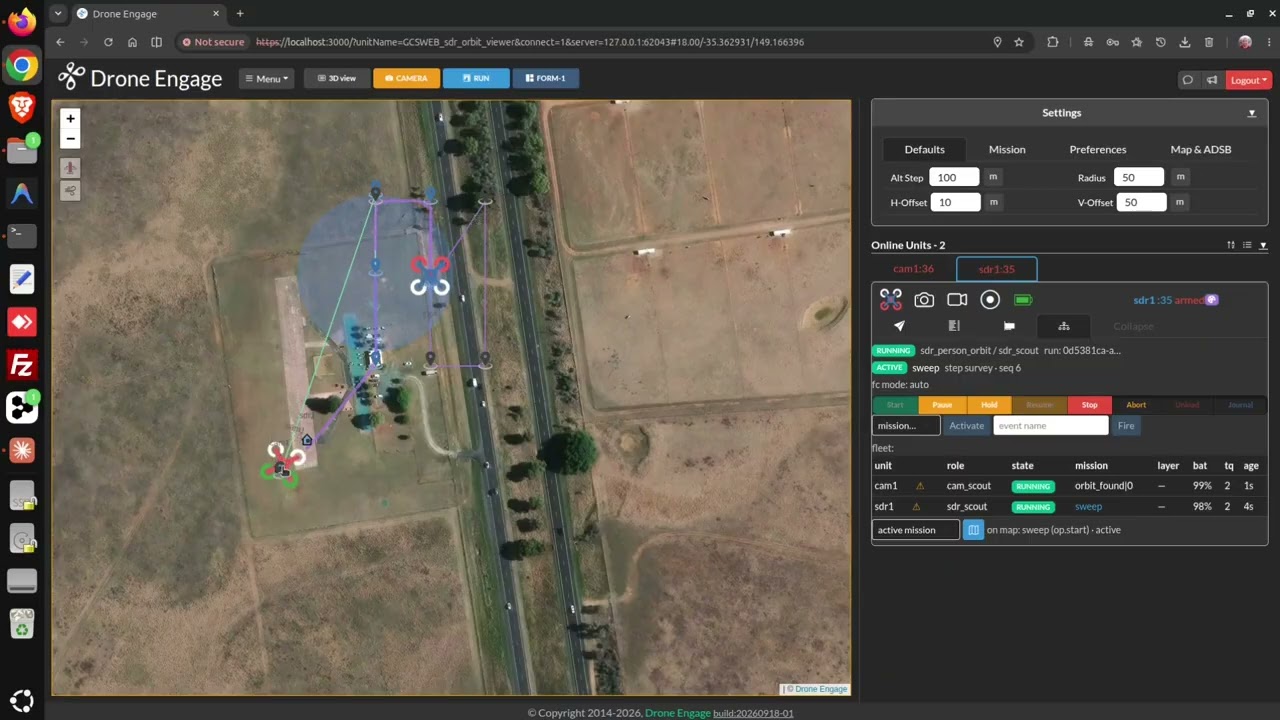
- Open the web client at https://cloud.ardupilot.org and see your vehicle.
No hardware? Try it with SITL — the app connects over TCP/Wi-Fi to a SITL instance on your PC. I’ve tested this end to end with ArduCopter SITL.
Links
- Documentation: Andruav — Ardupilot Cloud EcoSystem documentation
- Source code & wiki: GitHub - HefnySco/andruav_android_app · GitHub
- Videos: https://www.youtube.com/watch?v=Rsuo76jYF0I&list=PLbv12w8pMoMPr3D6Nd28VI1ADncs93gKL
I’d love your feedback
What would make Andruav_AP more useful for your vehicles — copter, plane, rover, boat? Tell me what works, what breaks, and what’s missing. Bug reports with phone model + Android version are especially welcome.
Fly safe!